resources for buzzdetect users
Tools for bioacoustics
buzzdetect
A free and open source tool for passive acoustic monitoring of pollinators.
- Source code and downloads on our GitHub repo (scroll down to the download badges)
- Documentation is over at readthedocs (you can also download it here)
- The paper is in Journal of Insect Science
- The data and code for the publication (including audio) is in the Zenodo Repository
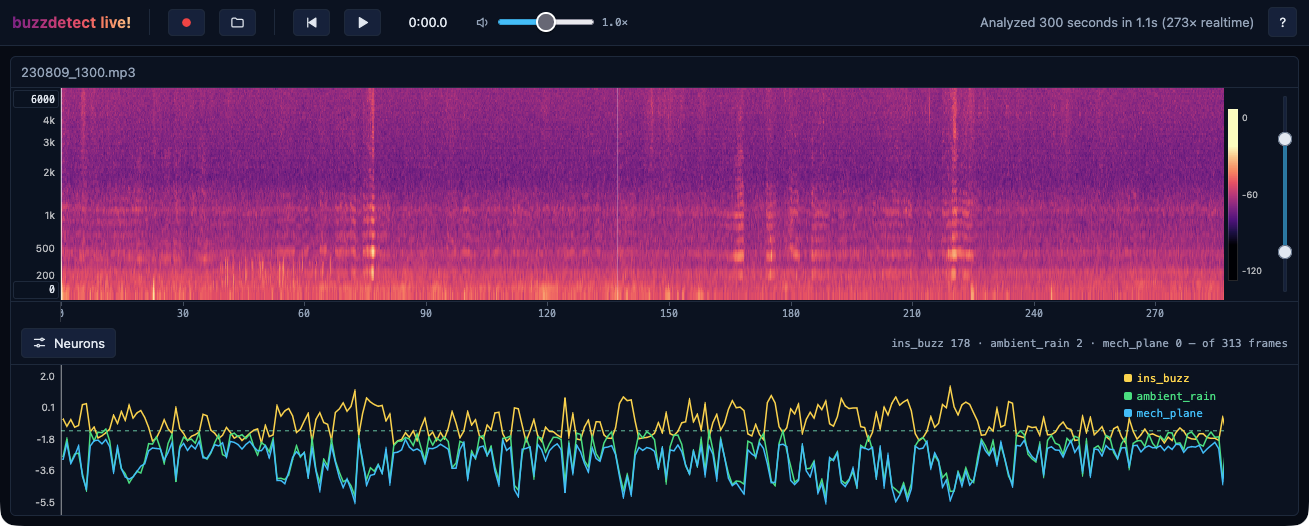
- Goof around with buzzdetect on your phone using buzzdetect live!
Also, see the walkthroughs below for getting started!
buzzr
An R package for wrangling buzzdetect results.
- Install using
devtools::install_github('OSU-Bee-Lab/buzzr') - Source code is on our GitHub repo
- Documentation is on our GitHub page (try out the main vignette for getting started)
FileSync
A utility for offloading and managing audio files from your field recorders.
- Source code and downloads on our GitHub repo (scroll down to the download badges)
I haven’t had time to document this tool, and it’s pretty bespoke for our lab, locking in our file storage schema and supporting only the field recorders we use, but it saves an extraordinary amount of time for us. It will automatically pull the audio from the recorder, efficiently copy the data to multiple local or cloud destinations, and wipe the recorder after confirming the files landed safely. You can also use it to manage existing audio and buzzdetect results simultaneously on all storage locations, detecting and correcting bad timestamps (including in rollover/downstream recordings), moving or renaming files or folders, deleting files… It’s a life saver compared to our old drag-and-drop approach.
SeeNote
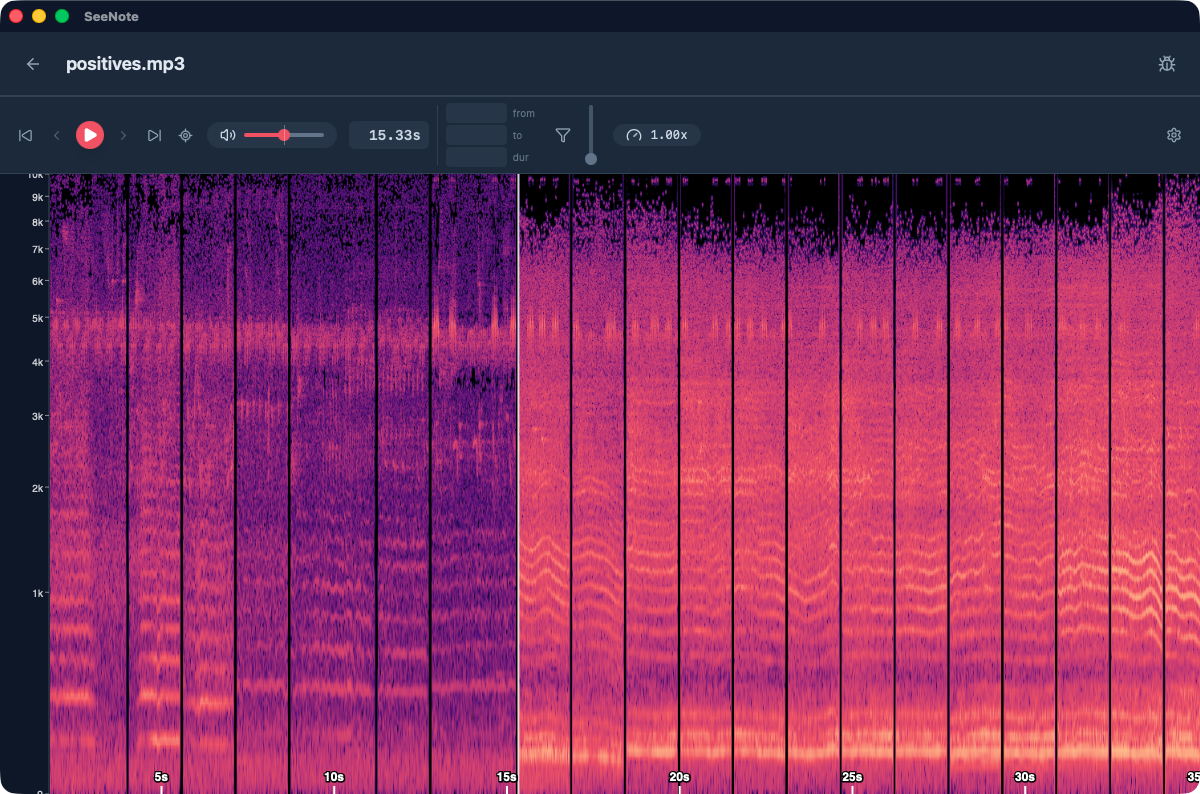
A tool for exploring buzzdetect results and making data annotations for audio and video.
Source code and downloads on our GitHub repo
The documentation is hard to keep up with as the app is still evolving, but the in-app help guide is pretty helpful even though it’s AI generated.
SeeNote has radically changed how I interface with my data. Use it to delve deeper into your buzzdetect results, investigate suspect false positives, fine-tune your detection threshold, and so on and so on.
Odds and ends
- extract-positives: extract called positives from your field audio. This is somewhat superseded by SeeNote’s ability to filter audio in-memory (i.e., without writing a bunch of files), but it has finer-grained control over which positives you extract and is better for large-batch operations.
- buzzdetect live!: run buzzdetect on your phone in real time. Why? Why not!?
Core guides
Core resources for bioacoustics research with buzzdetect


Understanding analyses
Investigations and advice for running and interpreting buzzdetect analyses
Tips and tricks
Tidbits of advice and interesting things I’ve found